


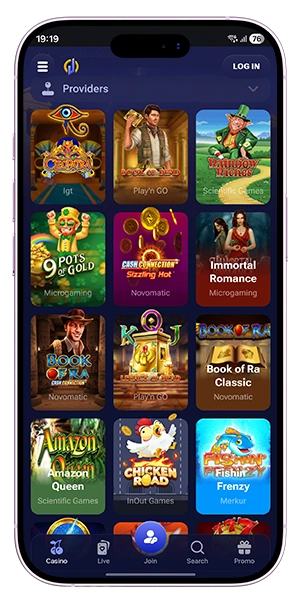
Jinx Casino Mobile App for Android and iOS
Jinx Casino gives you full mobile access to the platform through two convenient formats: an APK for Android and a PWA for iOS. This means you can play your favourite casino games, manage your account, open the cashier, and check current promotions directly from your smartphone without losing the smooth experience you expect from the official website.
The mobile version is built for fast access, easy navigation, and reliable performance across different devices. Android users can install the Jinx Casino APK and launch the platform as a dedicated app, while iPhone users can add the iOS PWA to the home screen for quick app-style access. Both options are designed to keep games, bonuses, payments, and account tools close at hand, so you can move from sign-in to active play in just a few taps.
Jinx Casino Mobile Experience on the Official Website
Mobile access is a core part of the Jinx Casino platform and gives you a simple way to enjoy the full website from your smartphone. The mobile version is designed for smooth navigation, quick loading, and direct access to the sections you use most often, so you can move between games, payments, and promotions without difficulty. This makes mobile play a practical choice whether you are logging in for a short session or planning longer time in the casino lobby.
The official website keeps the same structure on mobile, which means you do not need to learn a different system when switching from desktop to smartphone. The main account tools remain easy to reach, the homepage stays clear, and the most important actions are available in just a few taps.

What you can do on mobile
The mobile version gives you access to the same core functions that define the full platform experience. You can open the game lobby, manage your account, use the cashier, check available offers, and continue your regular playing routine from one portable device. This makes mobile access useful not only for occasional visits, but also for everyday casino use.
On mobile, you can:
- play slots and live casino games,
- sign in and manage your account,
- open the cashier for deposits and withdrawals,
- review current promotions,
- access support when needed.
This wide range of functions keeps the platform practical and complete on smaller screens.
Why players choose mobile access
Mobile access gives you more flexibility in the way you use the platform because it keeps the main casino features available wherever you are. Instead of waiting to return to a desktop device, you can launch the mobile version and continue directly from your phone with the same account and the same core sections already in place.
That convenience is one of the main reasons players choose mobile play. It gives you fast access, a familiar layout, and a direct route into games and account tools without unnecessary steps.
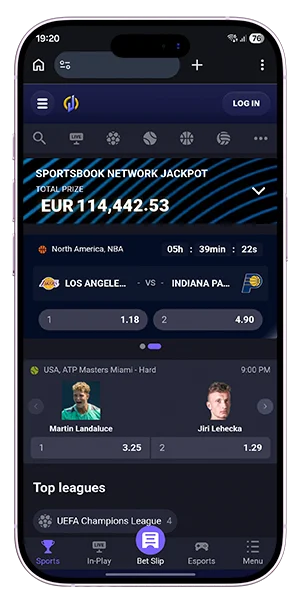
How the mobile version fits daily play
The mobile version works well for both short and longer sessions because it is structured around quick navigation and practical account use. You can sign in, launch a game, review a promotion, or open the cashier in a compact format that still feels complete and easy to control.
| Mobile feature | What it gives you |
| Game access | Play slots and live casino on the go |
| Account tools | Manage profile, wallet, and settings |
| Promotions | Review and claim bonus offers |
| Payments | Deposit and withdraw from mobile |
| Support | Get help directly from your device |
This structure makes the mobile website a natural part of daily play and helps you stay connected to the platform whenever you want to use it.
Jinx Casino APK for Android
The Android version gives you direct app-style access to the platform through the official APK. It is designed for players who want quick entry from their device, smooth navigation, and a mobile format that keeps the main casino sections easy to use. Once installed, the APK gives you a fast route to games, payments, promotions, and account tools without needing to search for the website each time.

The setup process is simple and starts on the official site. You open the mobile app section on your Android device, download the APK file, allow installation if your device requests permission, and complete the setup. After that, the app is ready to launch from your phone like a standard mobile casino application.
How to download the Jinx Casino APK
To get the Android version, open the official website on your smartphone and go to the app section. From there, you can start the APK download directly and prepare the file for installation on your device.
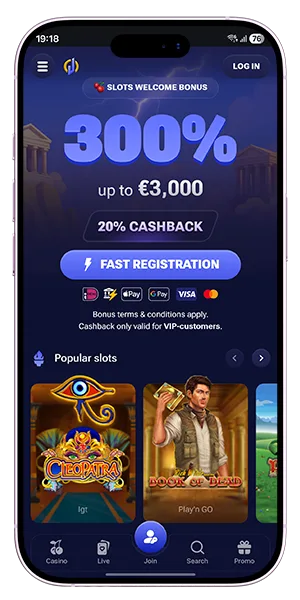
How to install the Android app
The installation process is straightforward:
- Complete setup and open the app.
- Open the official Jinx Casino website on Android.
- Go to the mobile app page.
- Download the APK file.
- Allow installation if prompted.
Why the APK version is useful
The APK version gives you faster repeat access and a more direct mobile routine. Once installed, you can launch the platform from your home screen and move straight into the sections you use most.
| Android app point | Details |
| Format | APK |
| Device type | Android |
| Download source | Official website |
| Installation | Manual APK setup |
| Access | Direct launch from device |
Jinx Casino PWA for iOS
The iOS version gives you app-style access through a PWA, which lets you add the platform to your iPhone home screen and open it like a dedicated mobile app. This format is built for quick entry, smooth browsing, and simple use across the main parts of the platform, including games, payments, promotions, and account tools.
The setup is fast and does not require a separate store download. You open the official website in Safari, add the page to your home screen, and launch it from there whenever you want to play.
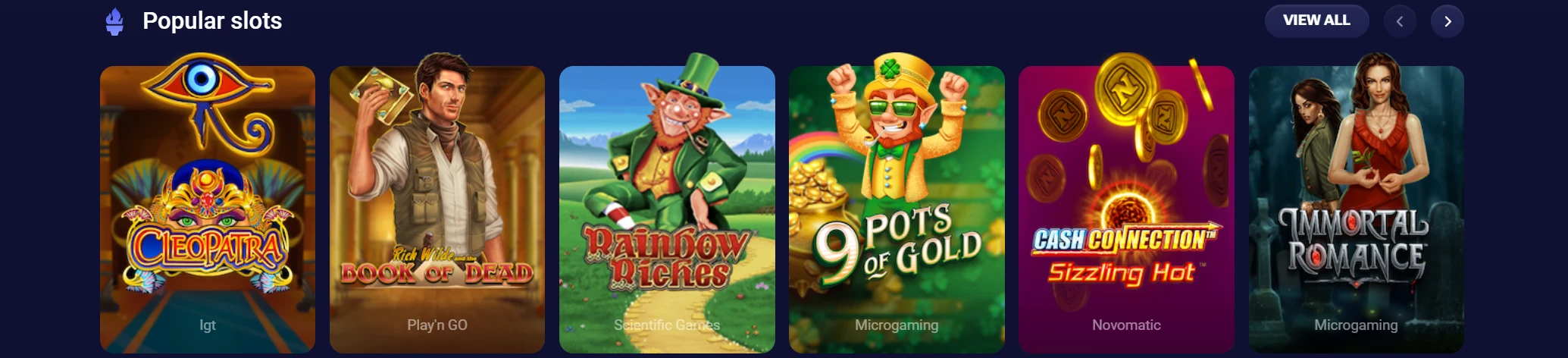
How to add the Jinx Casino PWA on iPhone
The installation path is simple and takes only a few steps:
- Open the official website in Safari.
- Tap the Share button.
- Select Add to Home Screen.
- Confirm the app icon.
- Launch Jinx Casino from your home screen.
This creates a direct shortcut on your device and gives you faster access each time you return to the platform.
How the iOS PWA works
The PWA opens from your home screen and gives you a mobile-optimized version of the official site in an app-style format. That means you can sign in, launch games, open the cashier, and use account features from a layout designed for iPhone screens.

Why the PWA format works well on iOS
The main advantage of the PWA is convenience. It keeps mobile access simple, removes extra installation steps, and gives you a fast route back to the platform whenever you want to continue playing.
| iOS app point | Details |
| Format | PWA |
| Device type | iPhone / iOS |
| Access method | Add to Home Screen |
| Browser used | Safari |
| Launch style | Opens from home screen like an app |
Games, Payments and Bonuses in the Mobile Version
The mobile version gives you full access to the core parts of the platform, so you can use your account in the same way as on desktop. Games, payments, and promotions are all available in a format adapted for smaller screens, which keeps navigation simple and actions easy to complete during mobile sessions.

This means you do not lose functionality when switching devices. You can move from login to gameplay, open the cashier, and check current offers without needing to return to a desktop version of the site.
Mobile games and live casino access
The game lobby is fully available on mobile and includes both slots and live casino titles. You can browse categories, open games quickly, and switch between sessions without interruption. The layout is designed to keep loading times short and controls responsive, which makes mobile play smooth and consistent.

Deposits, withdrawals and account tools on mobile
The cashier remains easy to use on mobile, with access to the most popular payment methods and clear entry to deposit and withdrawal options. You can also manage your profile, check your balance, and review account activity directly from your device.
Bonus use on Android APK and iOS PWA
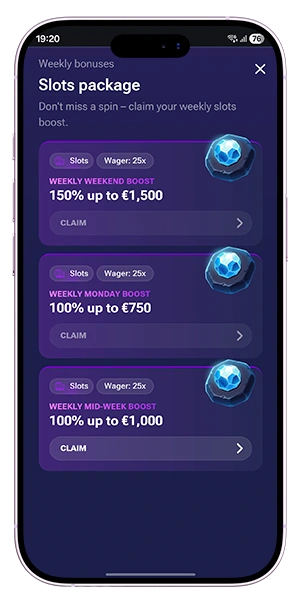
Bonuses are fully integrated into the mobile version, which means you can claim offers, track their status, and use them in gameplay without switching platforms. The same welcome rewards and weekly promotions are available, and they follow the same structure as on the main website.
On mobile, you can:
- launch casino games,
- open live casino tables,
- use the cashier,
- manage your account,
- claim bonus offers,
- sign in and continue playing quickly.
Why Jinx Casino Mobile App Access Stands Out
Mobile access is built to give you a fast and reliable way to use the platform without unnecessary steps. Whether you choose the Android APK or the iOS PWA, both options are designed to keep navigation simple, reduce loading time, and give you direct access to the main casino features from your device.
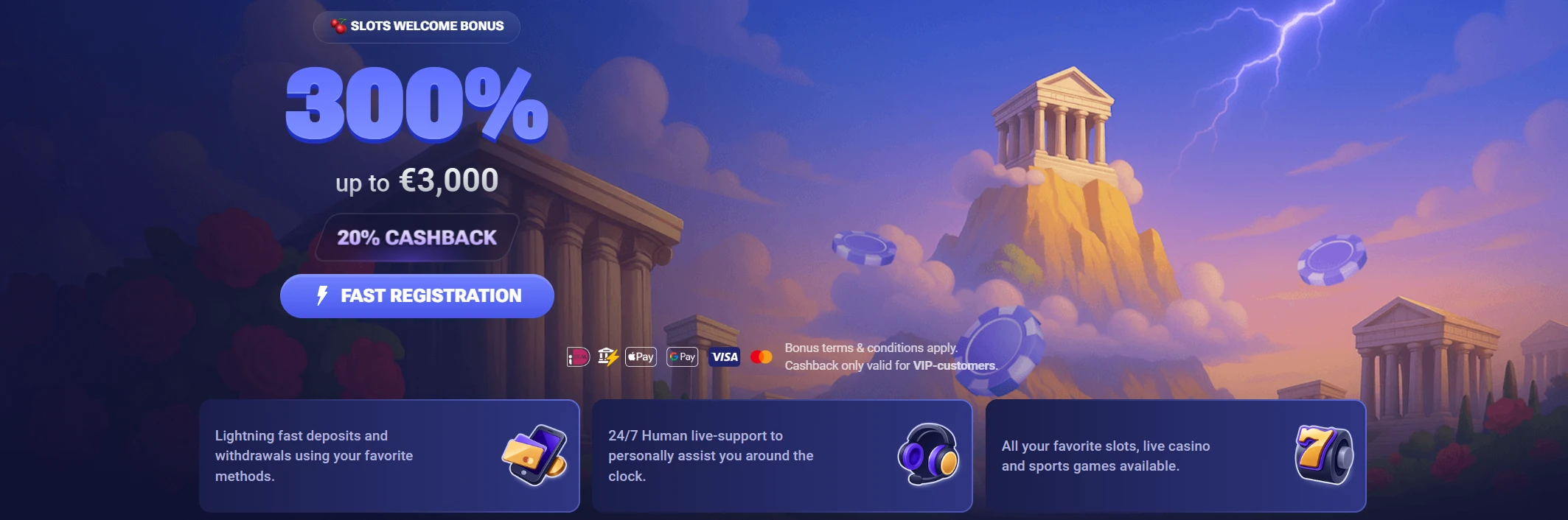
The key advantage is consistency. You get the same account, the same promotions, and the same game access, but in a format that fits your phone and supports quick sessions whenever you want to play.
Fast access on Android and iOS
Both mobile formats are built for speed. The APK gives you direct launch from your device, while the PWA provides quick entry from your home screen. This makes it easy to return to the platform and continue your session without delay.
Simple installation and launch
The setup process is straightforward on both systems, with clear steps for downloading or adding the app. Once installed, you can open the platform in just a few taps and move straight to games, payments, or account tools.
Smooth play across devices
The mobile version keeps performance stable and navigation clear, which helps maintain a comfortable playing experience across different devices and screen sizes.
| Advantage | Mobile benefit |
| Android APK | Direct app-style access |
| iOS PWA | Home-screen launch on iPhone |
| Mobile cashier | Fast account management |
| Full platform access | Games, bonuses, and account tools |
FAQ
How do I download the Jinx Casino APK on Android?
Open the official website on your Android device, go to the mobile app section, download the APK file, and complete the installation. After setup, you can launch the app directly from your device.
How do I add the Jinx Casino app to my iPhone?
Open the official website in Safari, tap the Share button, and select Add to Home Screen. Once the icon is added, you can launch the platform from your iPhone like an app.
Is there a Jinx Casino app for iOS?
Yes. iPhone users can access the platform through a PWA, which provides app-style use directly from the home screen without a separate store download.
Can I use bonuses in the mobile version?
Yes. The mobile version supports the same bonus offers available on the official website, including welcome promotions and ongoing weekly rewards.
Can I make deposits and withdrawals on mobile?
Yes. The mobile cashier gives you access to deposits, withdrawals, and general account payment tools directly from your device.
Do mobile players get access to the full casino lobby?
Yes. The mobile version gives you access to slots, live casino content, promotions, and account features in one mobile-optimised format.